Practical technology help for all businesses

There has to be an easier way to do this.

You don't need to know whether the answer is automation, AI, software, or something else. Tell us how your business works and what's getting in the way.

Our virtual staff will talk it through with you and look for where technology could make a practical difference.

Explore What Cyax Does

Based in Tracy, California. Helping businesses locally and remotely

Not sure what you need? Start here.

You don't need to know what technology you need.

Talk about what takes too long, frustrates your team, gets repeated by hand, or simply ought to work better.

You explain the business problemWe help uncover the opportunity
This isn't a support bot or a product quiz. It's Cyax using virtual staff in our own business—the same kind of practical system we build for clients.

Everyday business friction

Sound familiar?

“Someone has to copy this into another spreadsheet every week.”

“We answer the same questions over and over.”

“I spend Sunday night doing paperwork.”

“Customers fill this out, then we type it into another system.”

“We have three programs that don’t talk to each other.”

“I know AI could probably help with this. I just don’t know how.”

Those are the kinds of problems Cyax looks for.

Everyday business friction

Sound familiar?

“We answer the same questions over and over.”

“I spend Sunday night doing paperwork.”

“We have three programs that don't talk to each other.”

“I know AI could probably help with this. I just don't know how.”

Those are the kinds of problems Cyax looks for.

What Cyax does

Start with the process, not the technology.

You don't need to know what to automate. Show me how you work.

Automation is the core of what Cyax does. Business Technology help and Managed Websites are also available if that's what you actually need.

02

Business Technology

Sometimes the solution isn't AI. If a conventional technology solution is better, that's what we'll recommend.

  • Microsoft 365 and Google Workspace
  • Business email, domains, and DNS
  • Software configuration and troubleshooting
  • Technology planning and project help
Get practical help

03

Managed Websites

Simple, professional websites for small businesses. Managed from $49/month with no setup fee.

  • Professional Design
  • Custom Domain
  • Business email address forwarding
  • Contact form integration
Ask about websites
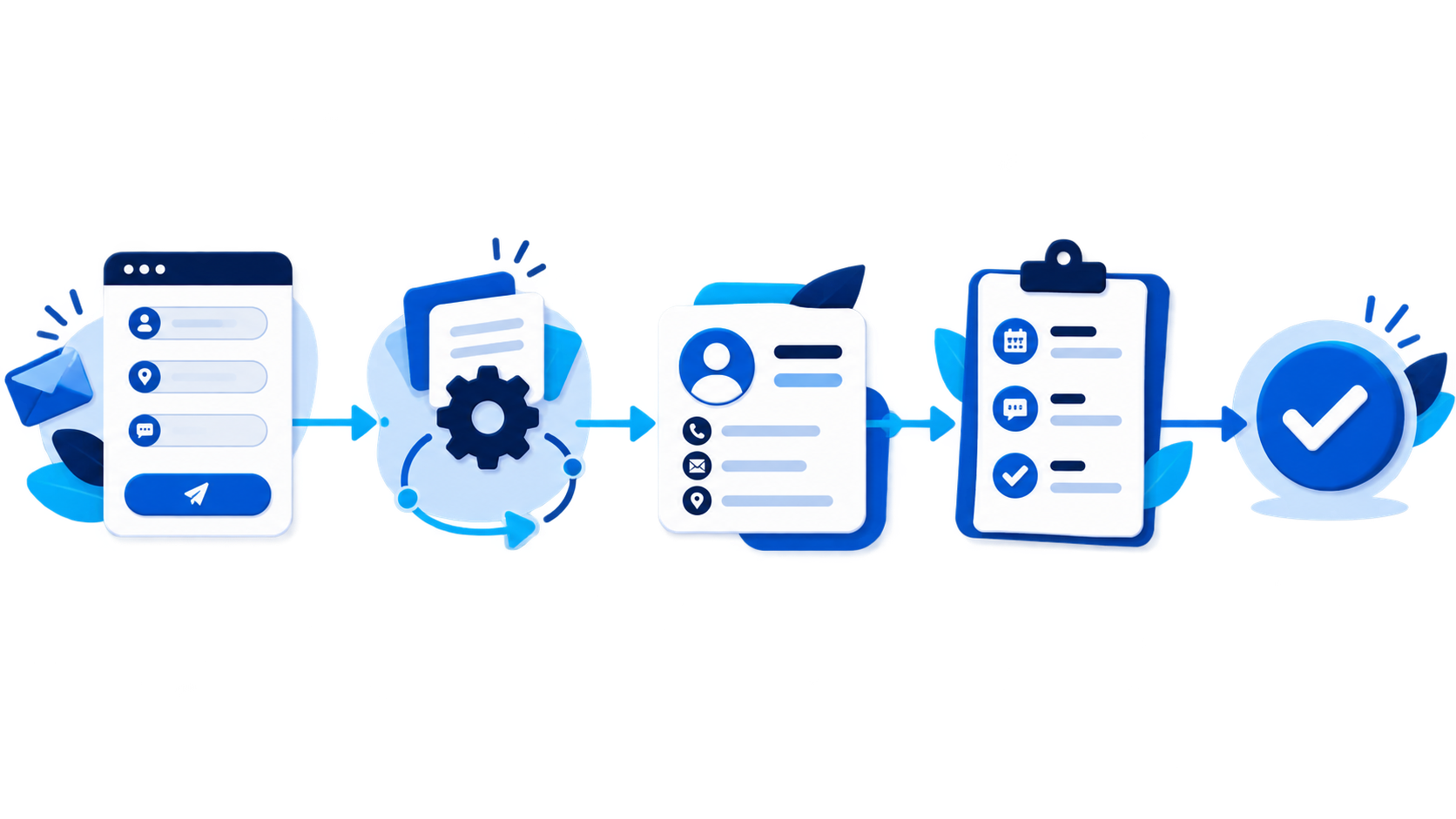
A customer request being organized, summarized, and followed up automatically

Automation in plain language

What could you stop doing manually?

A good workflow can keep people in control while taking busywork off their plate.

Customer inquiries

Before

Customer submits a form → owner reads it → copies information → sends response → creates follow-up reminder.

Often 8–12 minutes per request
After

Customer submits a form → information is organized automatically → an appropriate response is prepared → follow-up is scheduled.

A quick review instead of re-entering everything

Document Filing

Before

Open document → find relevant information → copy data → rename file → enter information into spreadsheet.

Often 5–10 minutes per document
After

Document arrives → relevant information is extracted → file is organized → business system is updated.

A quick review when needed

Recurring reports

Before

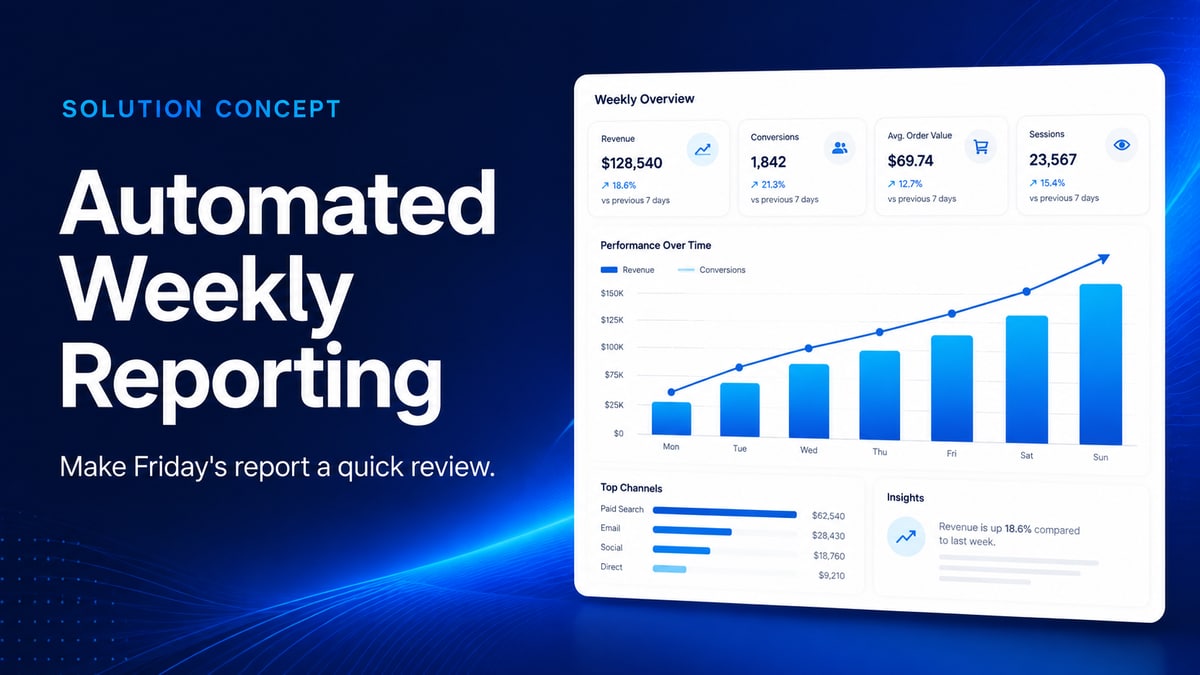
Open several systems → export data → copy into spreadsheet → double-check totals and formatting → create report → email report.

Often 30–60 minutes each time
After

Report is prepared automatically and delivered when needed.

Ready to review when it arrives

Lead follow-up

Before

New lead arrives → owner notices email → manually responds → adds information somewhere → remembers to follow up.

Often 5–10 minutes, plus follow-up risk
After

Lead is captured → categorized → response begins automatically → follow-up process starts.

Immediate acknowledgement; review exceptions
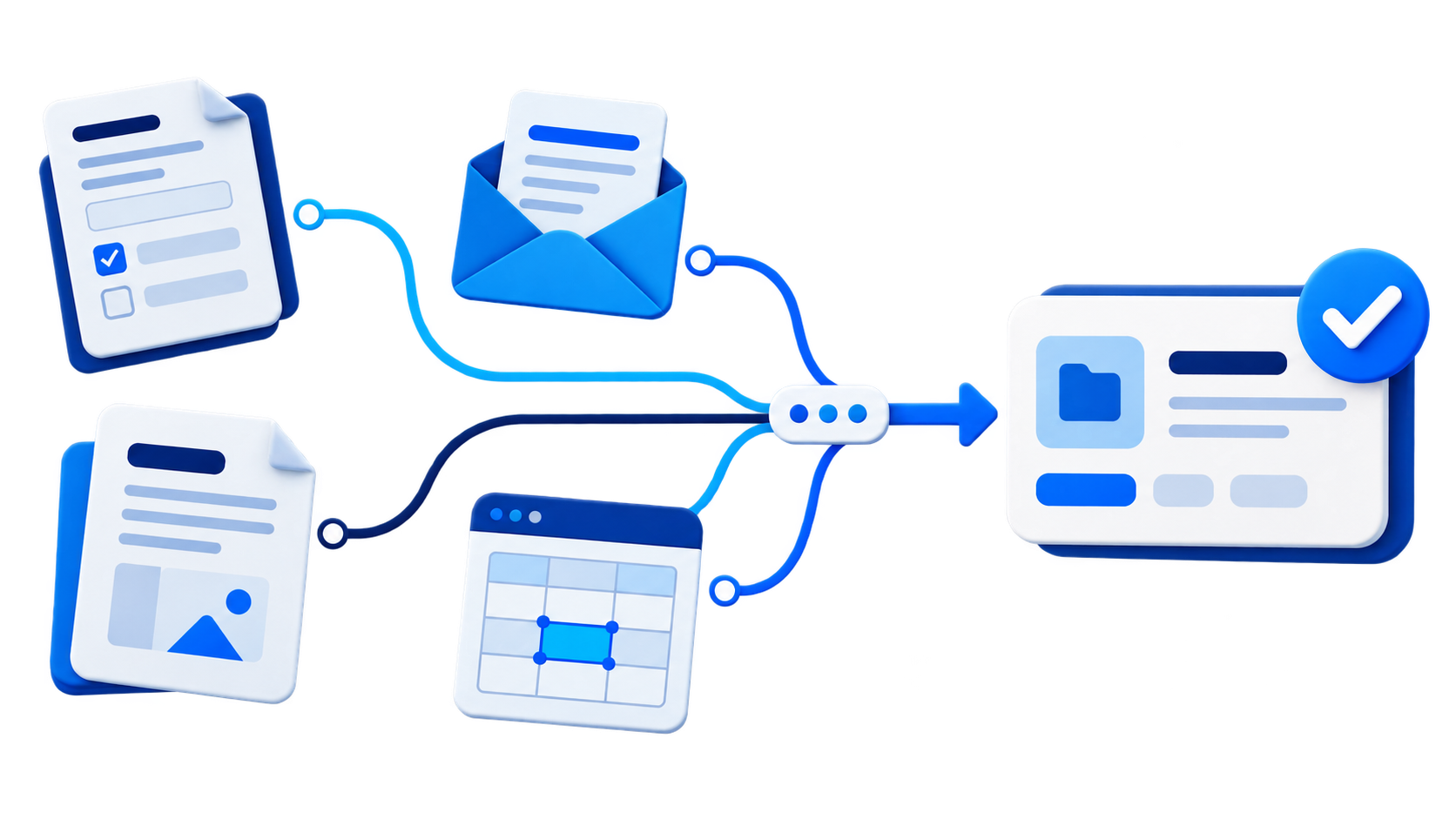
Forms, email, documents, and spreadsheet work becoming one organized process

A sensible approach to AI

Automate the work.
Keep the judgment.

Good automation does not mean removing people from a process. It means giving people less routine work and more room for the parts that need experience.

AI can help

Prepare · Organize · Extract · Summarize · Draft · Categorize · Route · Research

People still

Review · Approve · Decide · Communicate · Handle exceptions

How it works

A practical way to make work easier.

  1. 1

    Show me how you do it today

    Explain or demonstrate the repetitive process. You do not need to prepare technical documentation.

  2. 2

    Find the wasted work

    We look for bottlenecks, duplicate entry, unnecessary manual work, and opportunities to make the process easier.

  3. 3

    Design the simplest useful solution

    We choose the right tools and decide where AI, traditional automation, or existing software makes sense.

  4. 4

    Build and test it

    We implement the workflow and test it using realistic business scenarios.

  5. 5

    Put it to work

    We deploy the solution and make sure you understand how it works and what to do when something unusual happens.

This isn't a templated Zapier setup dropped into your business. Cyax looks at how your business actually works first, then chooses the simplest tool for the job — whether that's AI, straightforward automation, or just fixing a process. Not every problem needs the newest technology.

Before you reach out

Common questions

What if something breaks after you're done?

Everything is tested with real business scenarios before it goes live, and you'll know how to handle common exceptions. If something does break, reach out — fixing it is part of the job, not a separate charge for reasonable issues.

How do you handle my business data?

We limit access to the systems and information needed for the specific project and design solutions with security and privacy in mind. If a workflow involves a third-party service or AI provider, we'll explain where your data goes and why before connecting it. We're also happy to sign an NDA when appropriate.

Will I have to change the software I already use?

Usually not. We start by looking at the tools you already use and whether they can be connected, configured differently, or used more effectively before recommending something new. If replacing a tool really is the better option, we'll explain why.

How long does a typical project take?

Small projects often take one to two weeks. Larger ones depend on scope — you'll get a timeline estimate before any work starts.

I don't know what to automate — is that a problem?

No. Most clients start exactly there. Describe how you currently do the work, and we'll figure out together whether automation makes sense.

Do I need to be technical to work with you?

Not at all. You explain the process in plain language; the technical side is handled for you.

About Cyax

Technology should make the day run better.

Cyax Software is run by Phil Cazella, an experienced technology and project-management professional who has worked at the intersection of business needs, processes, projects, and technology. Cyax brings that experience to small businesses without the complexity or overhead of a traditional consulting firm.

The goal is to understand how the business works first, then determine whether better processes, existing technology, automation, AI, or a combination of them can make the work easier.

Every automation is different. Small problems are welcome. We'll agree on the scope and cost before any work begins.

A good place to start

What's the task you hate doing every week?

Tell me about it.

Show me the repetitive work that's eating your time. I'll look at the process and tell you whether there's a practical way to automate it.

There's no cost to tell me about the task and get an initial practical perspective.

Tell Me About the Task

You don't need to know what technology would solve it. There's no cost to start the conversation.

By contacting us, you agree to our Privacy Policy.